
No IT deployment
Attendees use a modern web browser. There is no attendee app to distribute or organization-wide installation to manage.
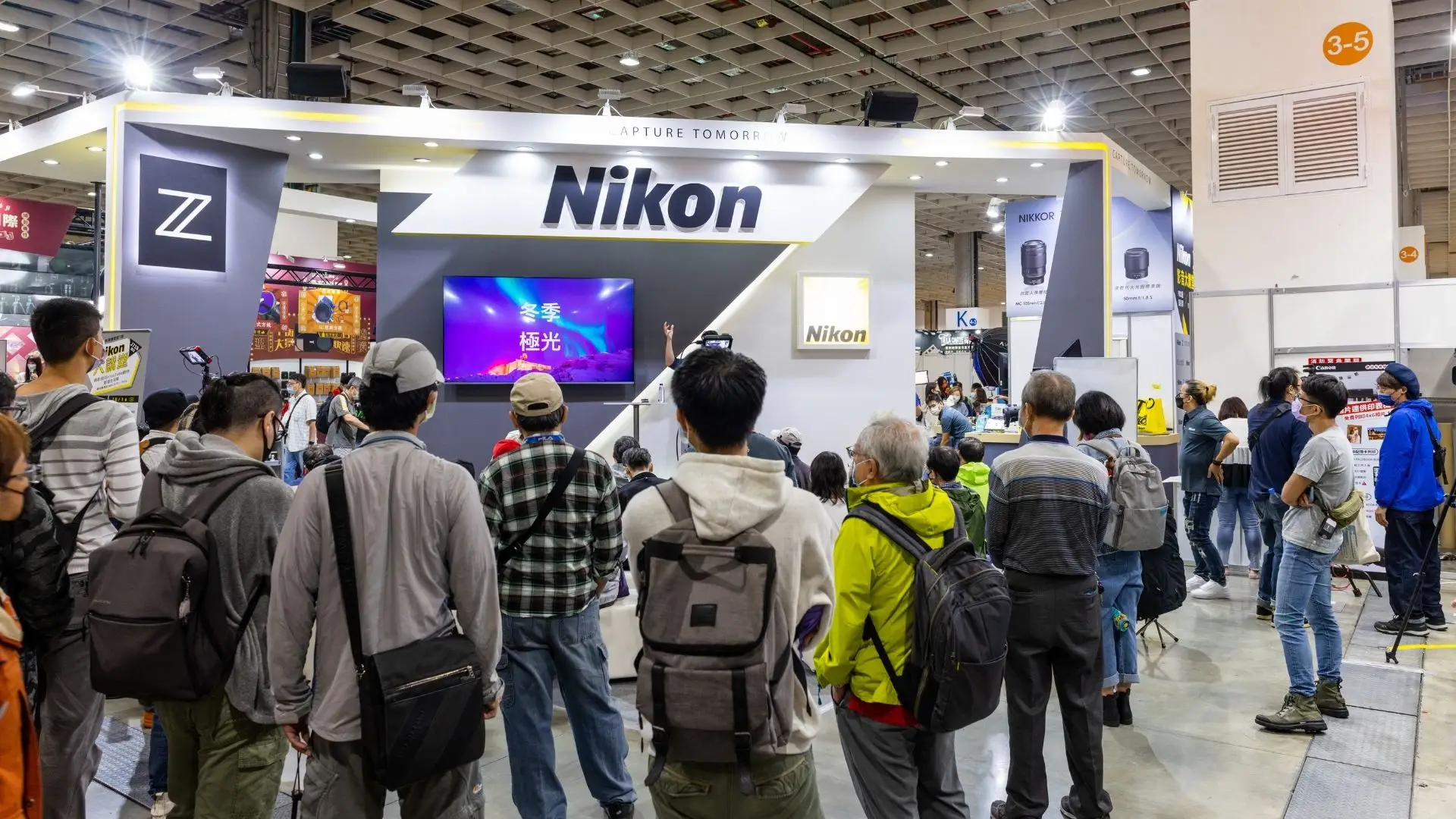
Collect attendee photos from sessions, booths, and networking events. Review submissions with your team and show approved photos on venue screens.
Create the event first, then review and confirm the one-time Pro upgrade in your host dashboard.
Live gallery
New memory added

Coverage beyond the official camera
Attendees take photos at sessions, booths, and team dinners. Give them a QR code to upload those photos, and assign co-hosts to review submissions during the conference.
Share one QR code across badges, presentation slides, venue signage, and the event app. Attendees contribute in the browser, while hosts and co-hosts review submissions before they reach the public gallery or live display.
Attendees use a modern web browser. There is no attendee app to distribute or organization-wide installation to manage.
Only approved uploads appear on the live wall, giving the event team control over what reaches public displays.
Pro removes aggregate event photo and video caps and supports an event duration of up to seven days, while per-file safety limits still apply.
How it works
Set the dates, event timezone, welcome message, and approval mode from the host dashboard.
Use the same QR code on check-in screens, stage slides, expo signage, table cards, and digital attendee communications.
Use co-hosts to review uploads, run the live wall, then download photos and save videos after the final session.
Gallery features
Invite teammates to help approve or remove media and keep the attendee-facing gallery current.
Starter and Pro remove Cap Share branding and include a custom event code, cover image, theme, and accent color.
Pro costs $49.99 as a one-time event upgrade and has no aggregate event cap for photos or video. Individual video clips remain limited to 5 minutes.
More event guides
Learn how to show approved attendee photos on venue screens.
See a Starter-sized corporate event use case.
Explore Cap Share for offsites, team building, and business gatherings.
Recommended one-time upgrade
No subscription is required. Create the event first, then review and confirm the one-time Pro upgrade in your host dashboard.
Free trial
Your first event, on us.
Starter event
One-time event upgrade
Suggested for your event
Pro event
One-time event upgrade
Paid upgrades are confirmed from the host dashboard. Checkout shows the price and final total before payment.
Questions, answered
The practical details hosts and guests usually want to know.
No. The QR code opens the conference event in a browser, where attendees can add their name and upload.
Yes. Host approval keeps new media pending, and hosts or co-hosts choose what appears in the gallery and live wall.
Pro is the strongest fit when contribution volume is unpredictable. It costs $49.99 per event, removes aggregate event photo and video caps, and supports event durations up to 7 days. Per-file upload limits still apply.
Yes. Hosts can download approved and private photos as a ZIP and save video clips individually.
Create an event to try the gallery. Choose Pro in the dashboard if you need more upload capacity or a longer event.
Start a Pro event: $49.99